Native Reader 1.4.5 code preferences, HTML previews and conversation cleanup, and current workflow images.
Tags: Screenshots
[download original] [view raw text] — 7,382 bytes
On this page
Local Reader 1.4.5 — screenshot guide
Code and cleanup features
These screenshots show the public Local Reader 1.4.5 native Linux interface with synthetic conversations at 1440 × 1000 and 100% zoom. They cover the current controls and rendering, using the actual local backend. No live server is connected.
Reading preferences and code presentation
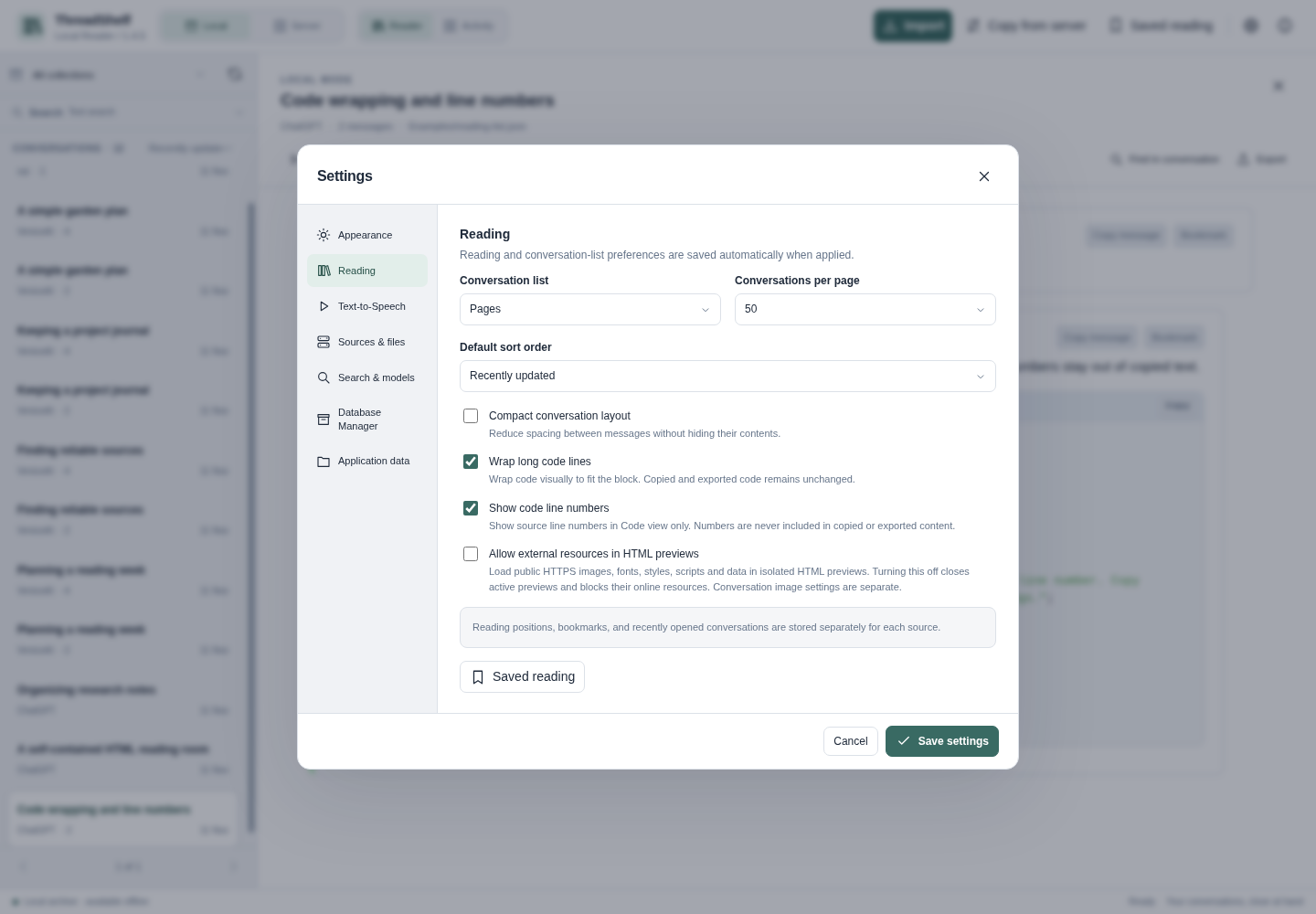
Settings → Reading provides independent Wrap long code lines and Show code line numbers switches. Both start off. Wrapping keeps long source lines inside the code area, while numbers identify logical source lines rather than wrapped display rows.
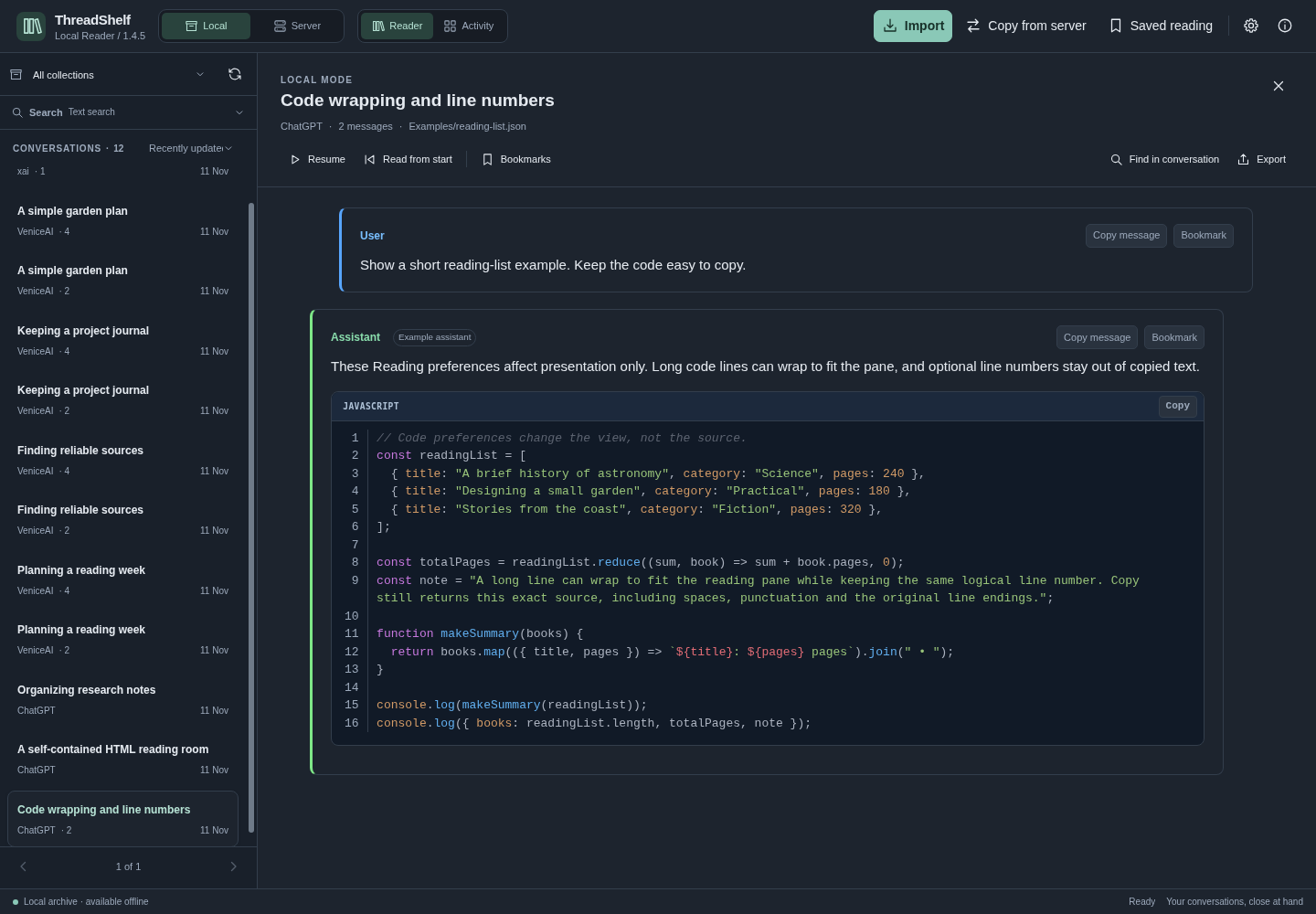
The code example below has wrapping and line numbers enabled. These are display preferences: block Copy, message Copy and export keep their original text. Rendered HTML, SVG, Mermaid and charts have no line-number gutter.
HTML rendering
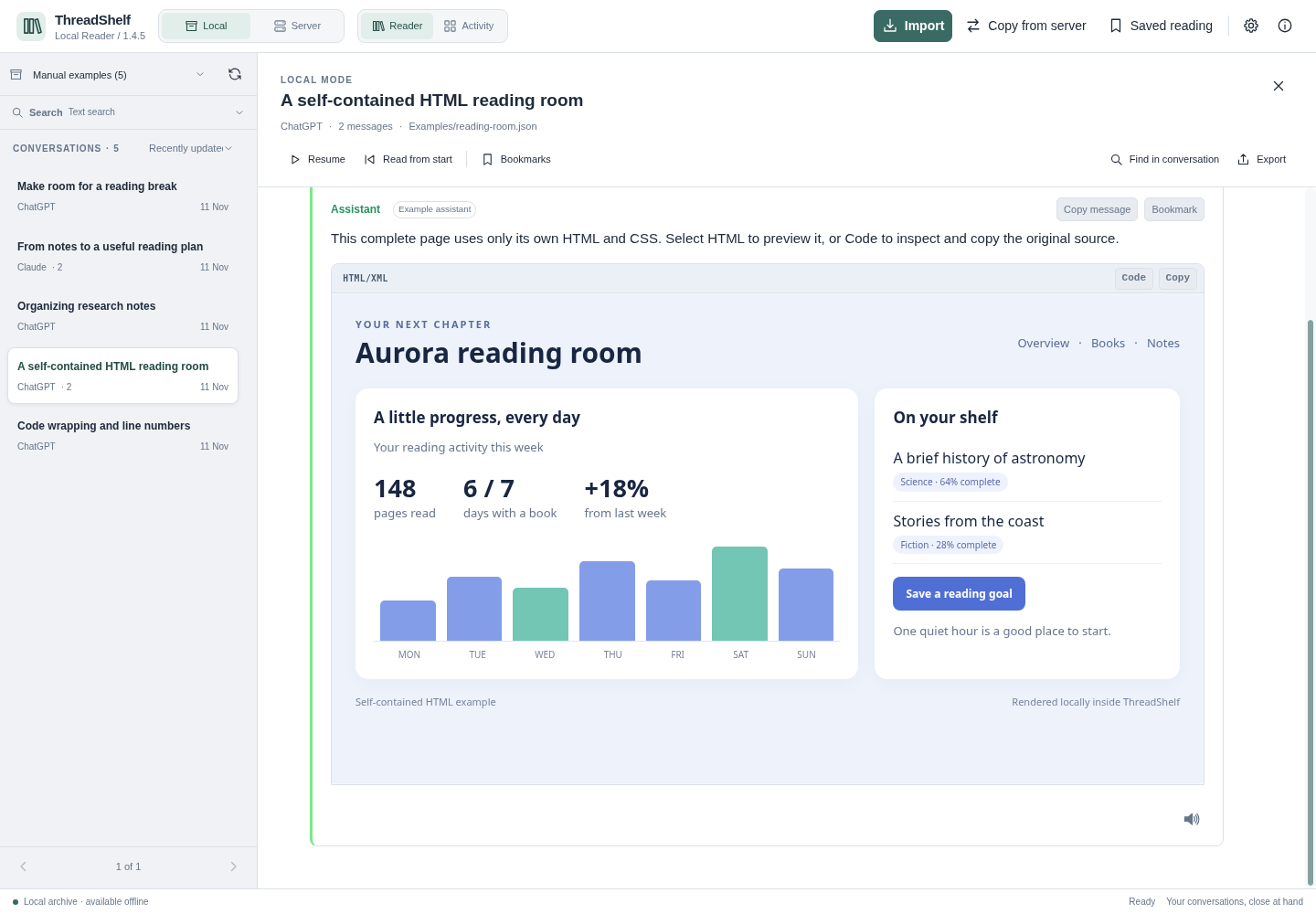
The Render view uses the block’s available width at a responsive 16:9 ratio, without an extra surrounding HTML frame. It remains inside the reading pane while opening, zooming, resizing and scrolling. Code is the initial view; selecting Code restores the source presentation.
Conversation cleanup
Reader performs merge and cleanup processing during import and server copy. Existing Local collections can be reviewed from Settings → Database Manager → Deduplication. The separate optional unanswered-prompt switch explicitly applies to providers other than Grok/xAI.
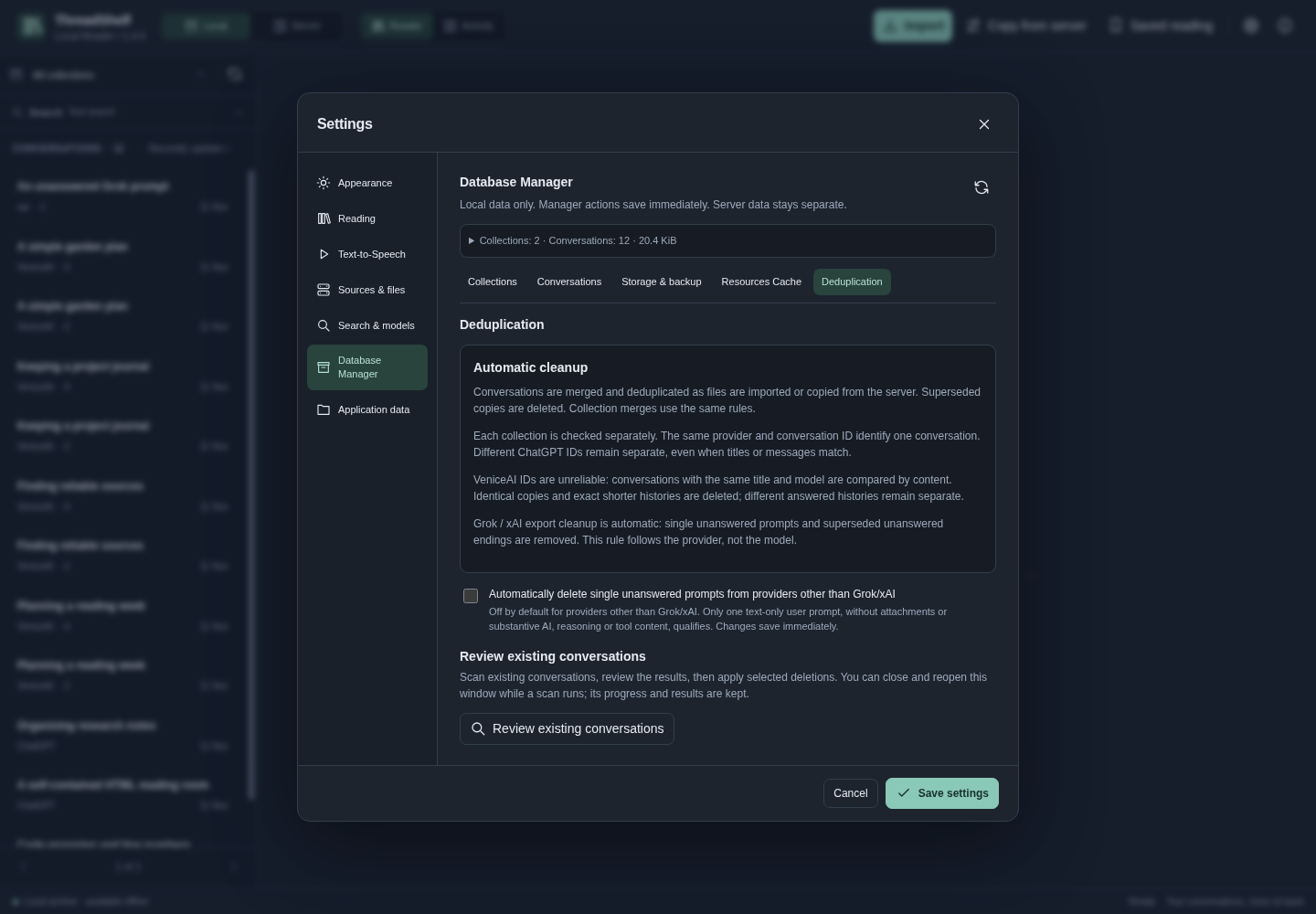
The review displays the removal candidates, reasons and retained conversations. Active analysis has a progress indicator; closing the review preserves the operation and its selection so the same control can reopen it. Expanded database size and available disk space are displayed separately. Counts in this image describe only the synthetic example.
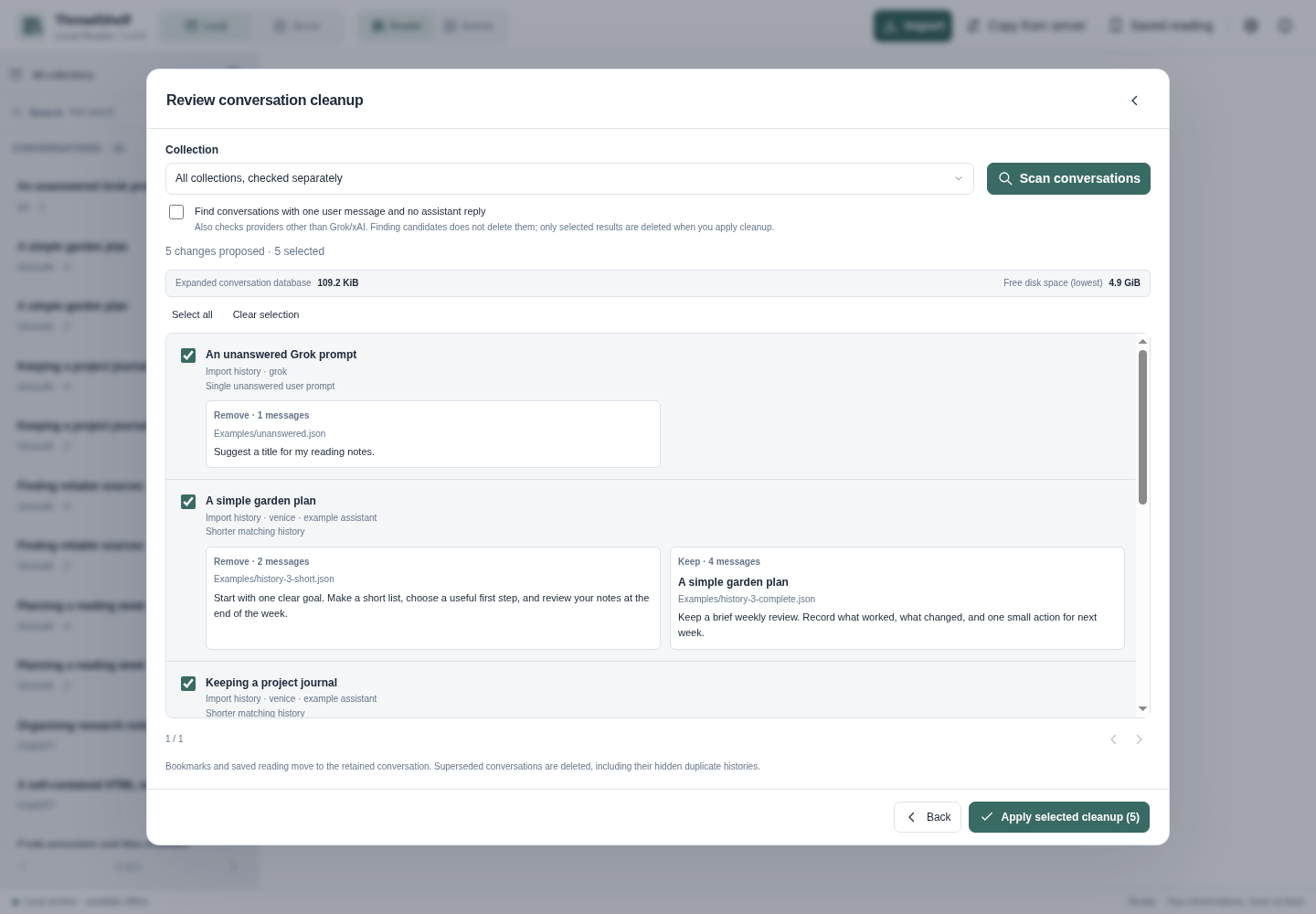
See reading and export and collection cleanup for the behavior and confirmation rules.
Library and workflow controls
The following captures show the current public 1.4.5 native interface with synthetic demonstration records. They illustrate the actual controls without connecting a live server or using a private conversation archive.
Library and conversation: light and dark
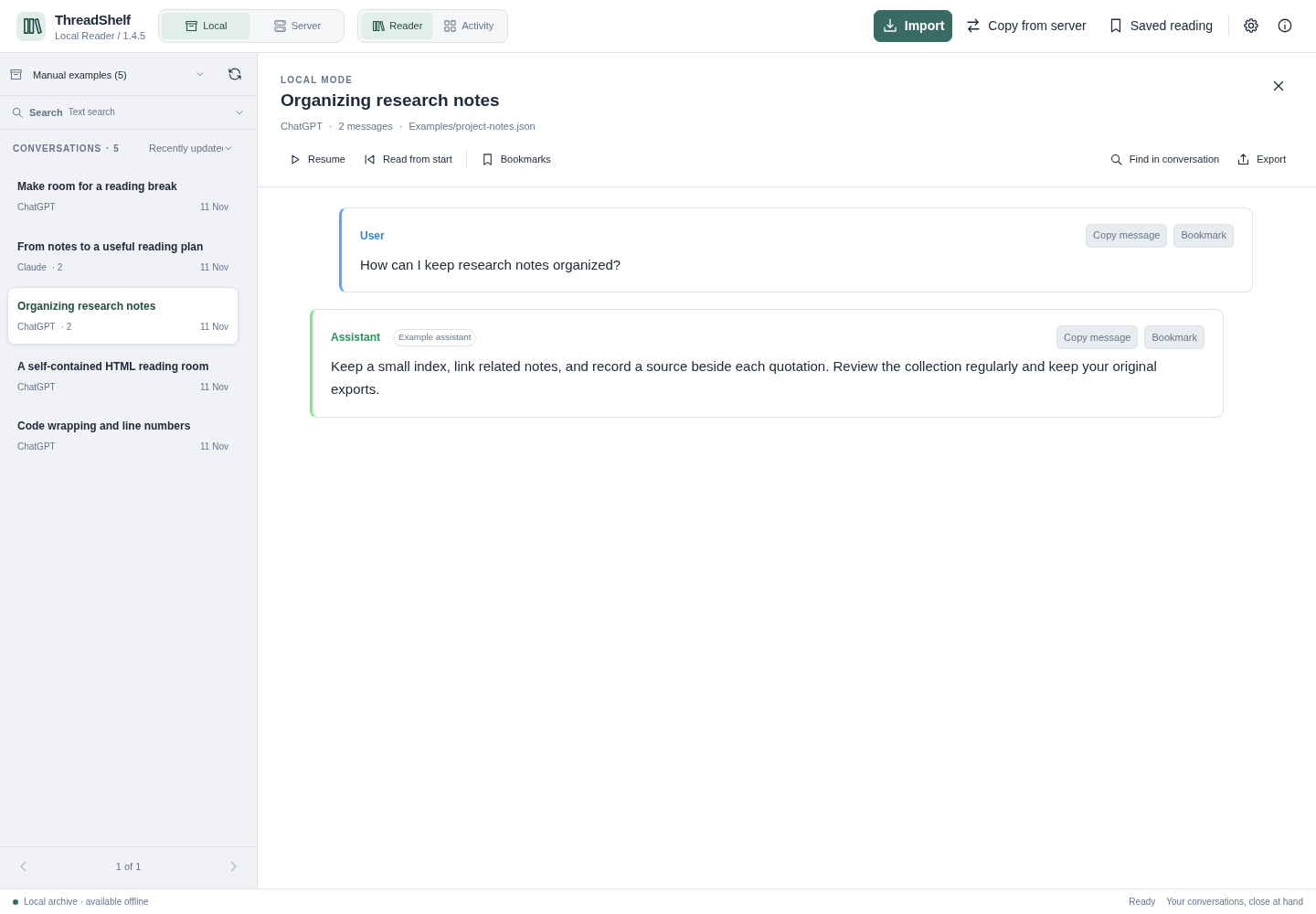
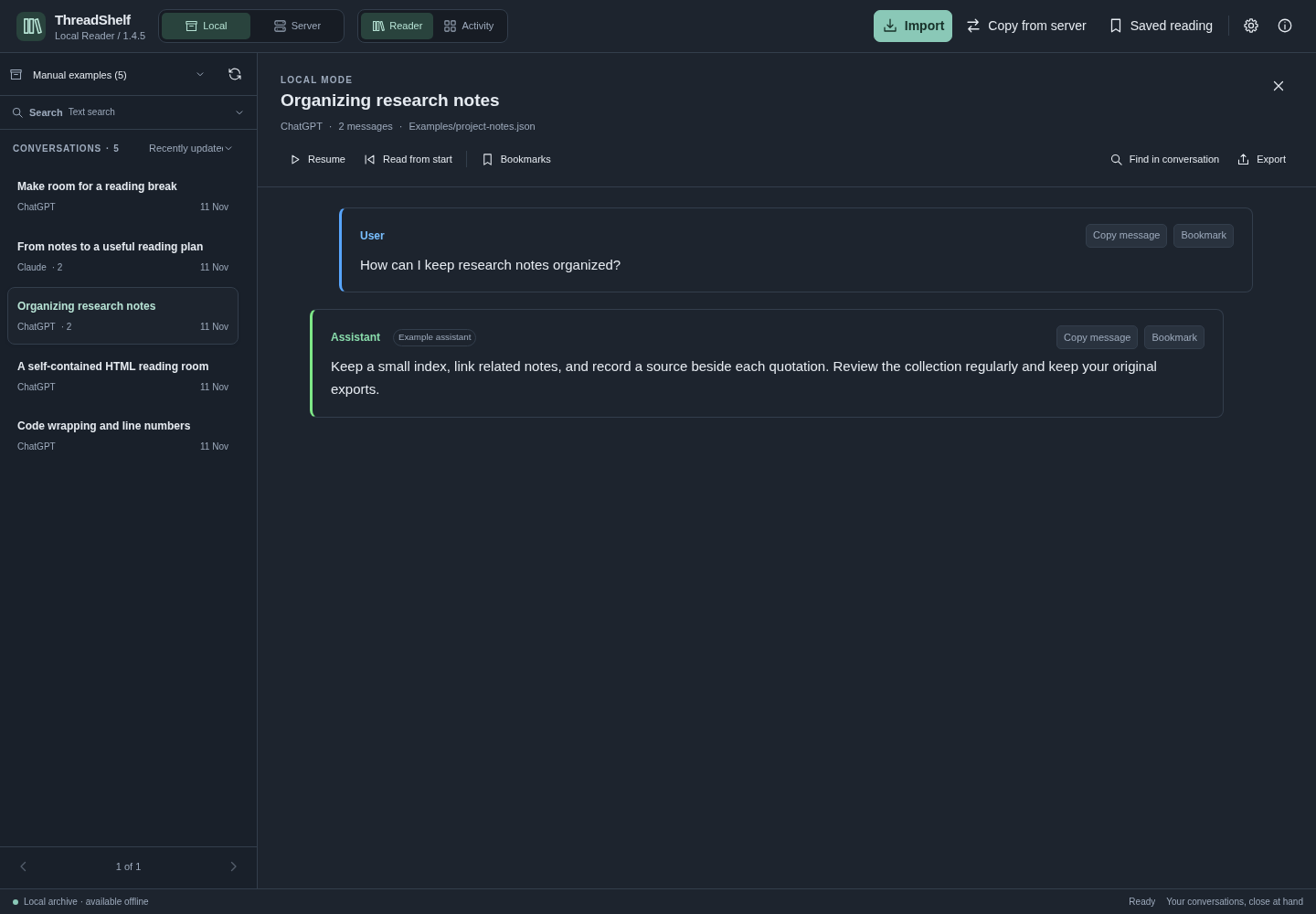
The header selects Local or Server. The conversation shelf, collections and reading pane provide the main workflow. Theme choices preserve the same content and controls.
Settings: sources and appearance
Settings control the source URL, local storage, models and presentation. Save changed preferences where the form provides a Save action. Read the dedicated appearance, storage and server chapters before changing paths or connections.
Search: scope and evidence
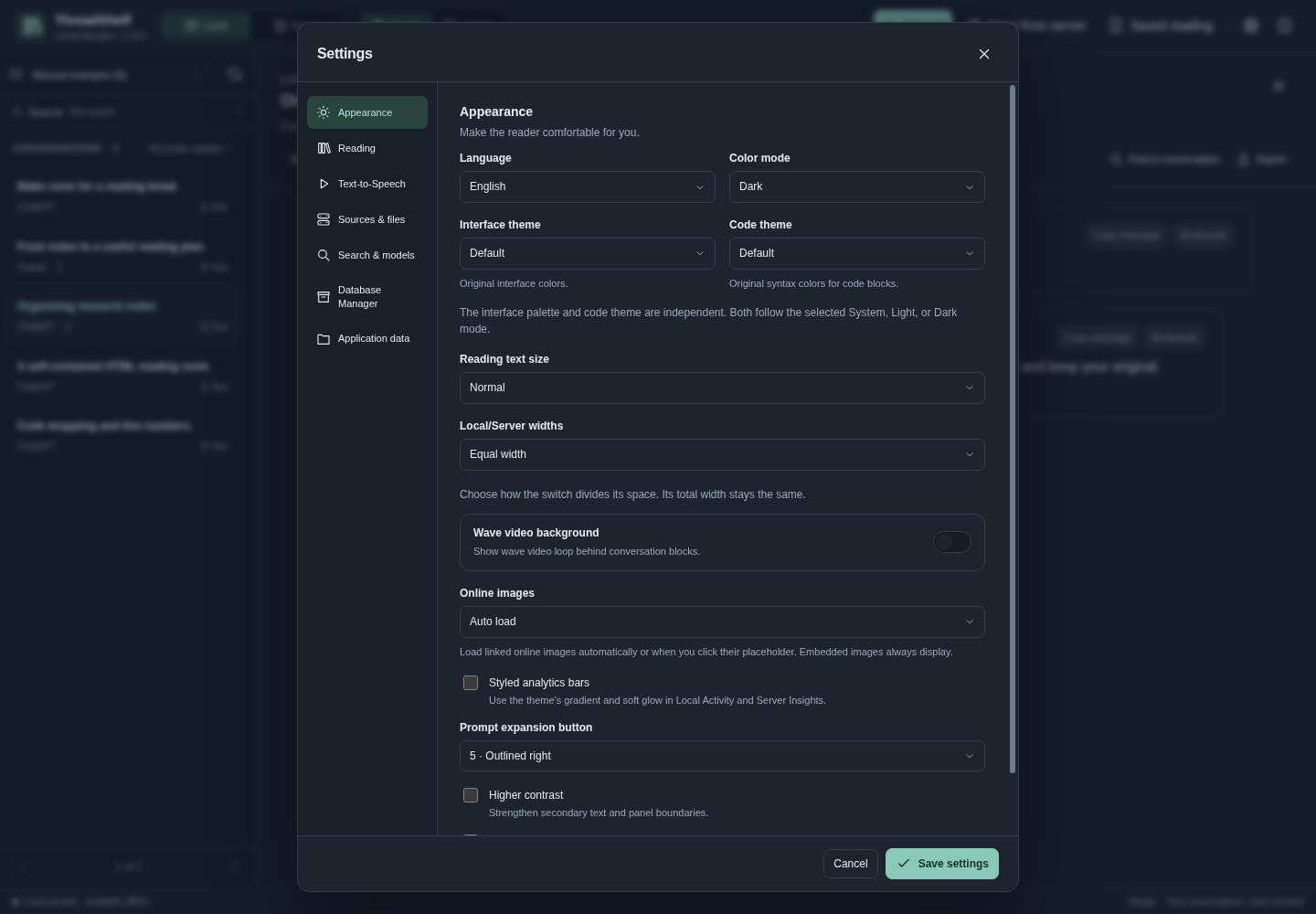
A search combines the selected source, collection, query mode and filters. Results lead back to their conversations. Counts may represent matching passages rather than unique threads. The search example uses only synthetic demonstration records.
Activity
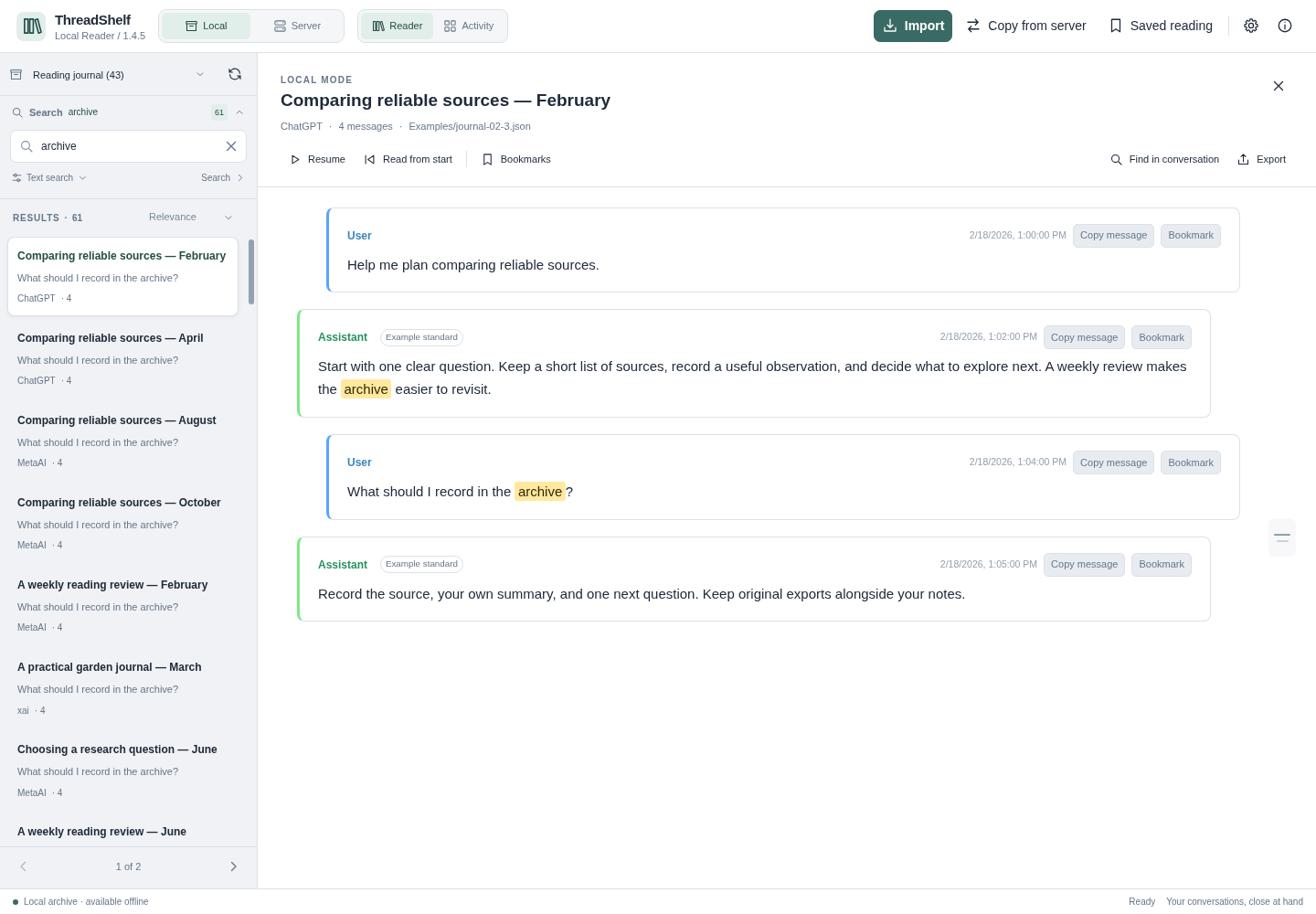
Reader Activity and Server Insights summarize the selected source. Their scope and available data differ from a separately imported Analytics capture.
Rich reading
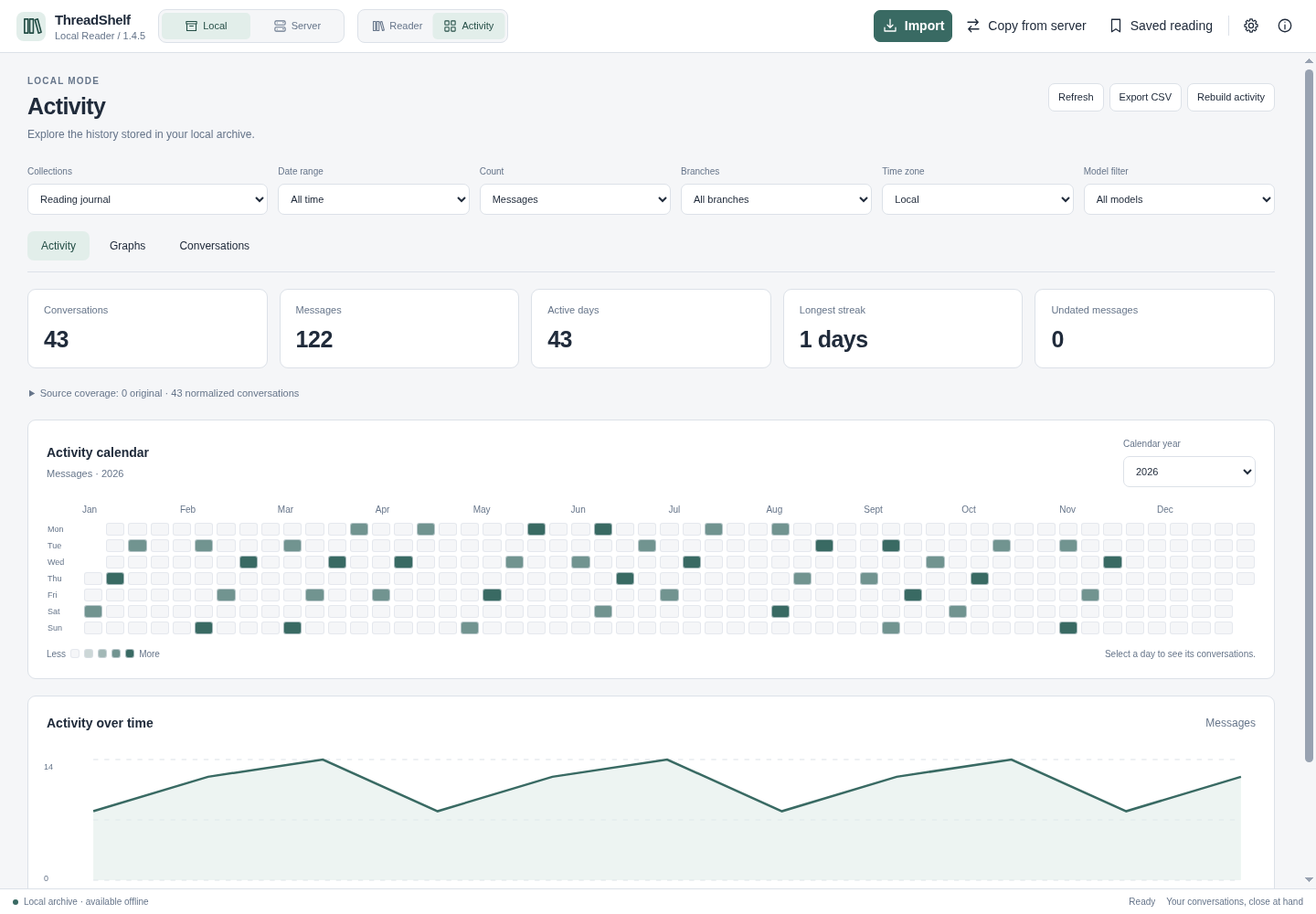
The production renderer displays supported code, math, diagrams and cards from a sample conversation. Exports can omit original assets or contain unsupported payloads; a placeholder is preferable to an invented image or chart.
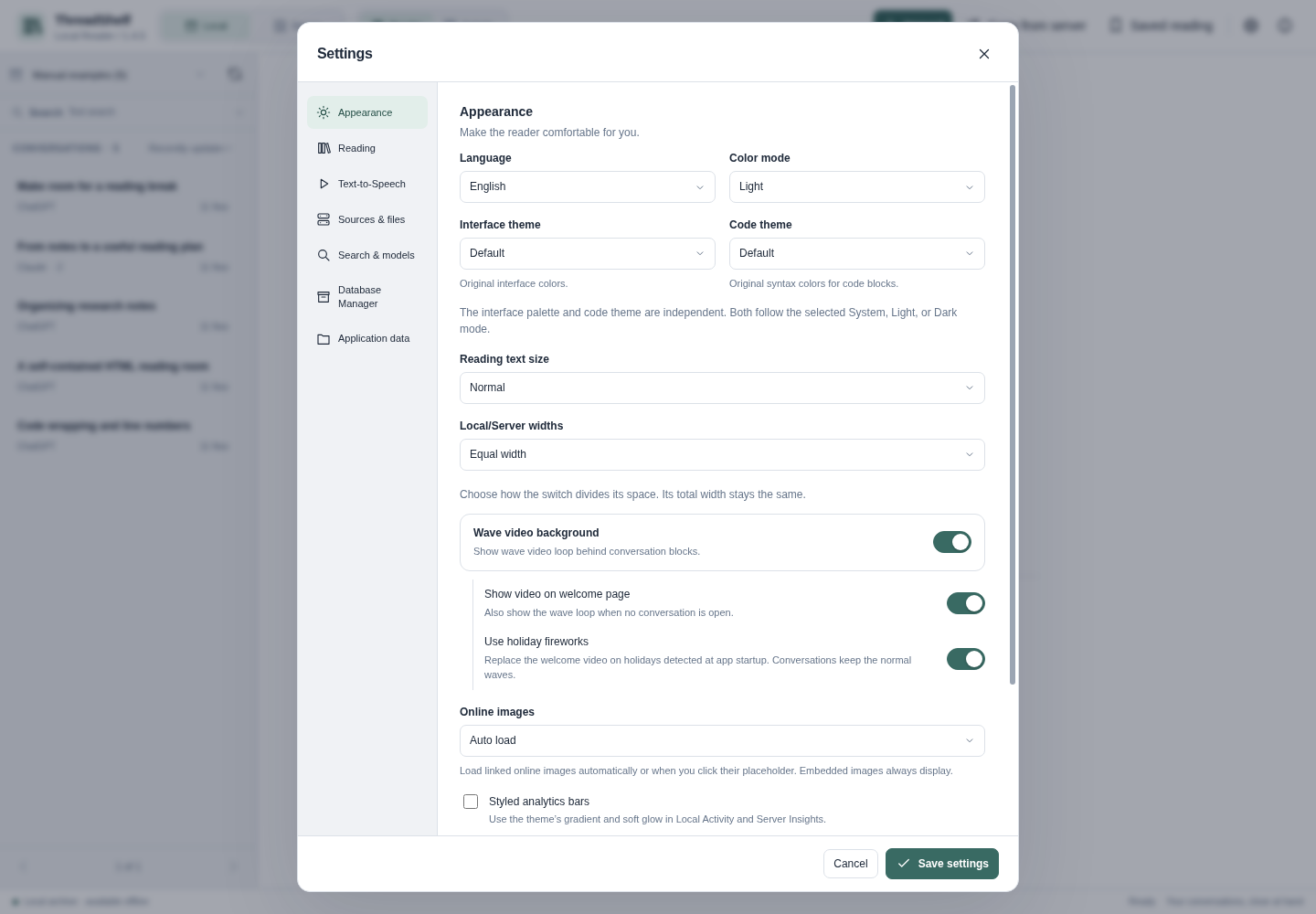
Holiday controls
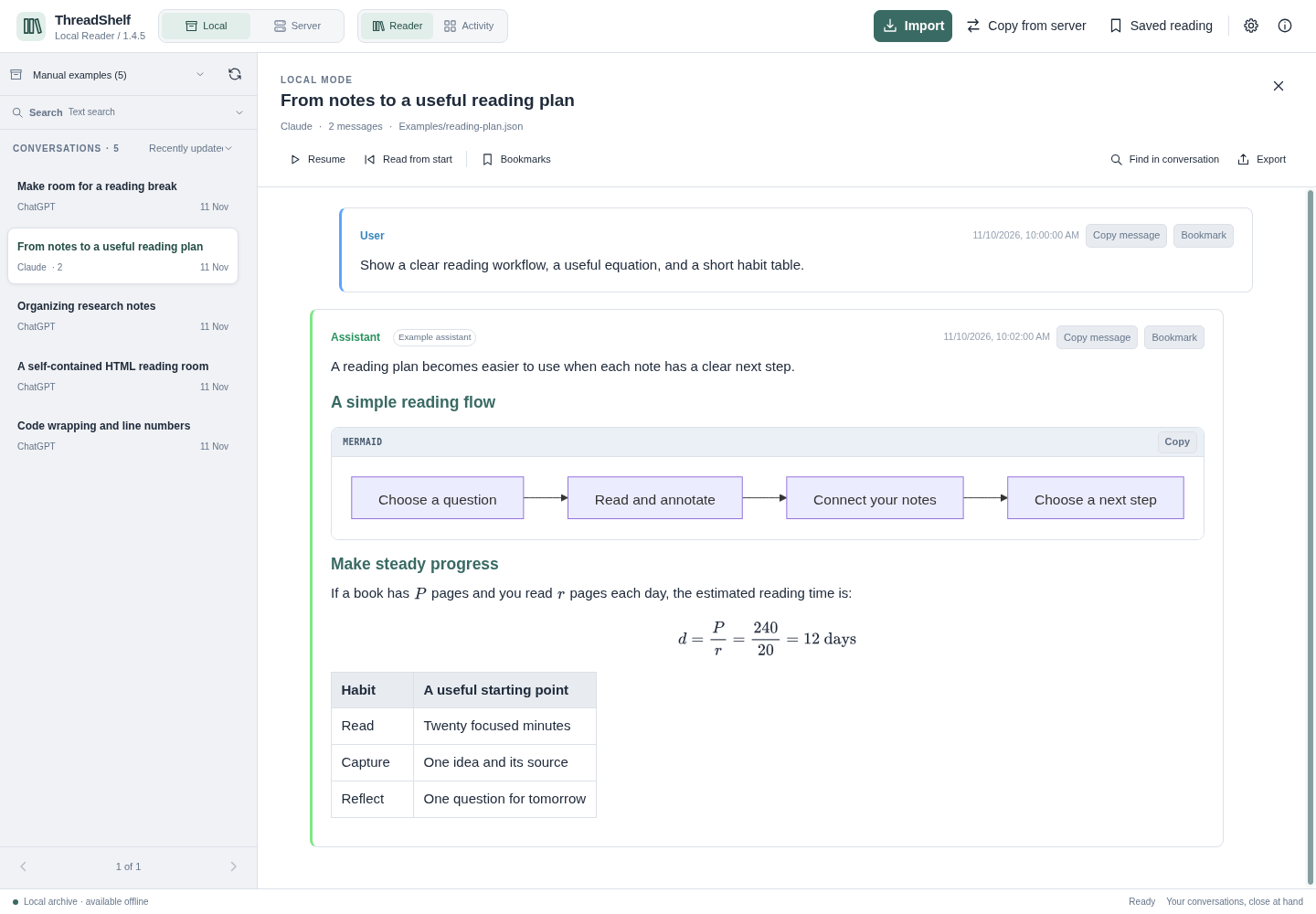
The screenshot shows the real dependent settings for optional holidays and appearance. It does not demonstrate a video playing. See holidays for schedules, visibility and reduced-motion behavior.
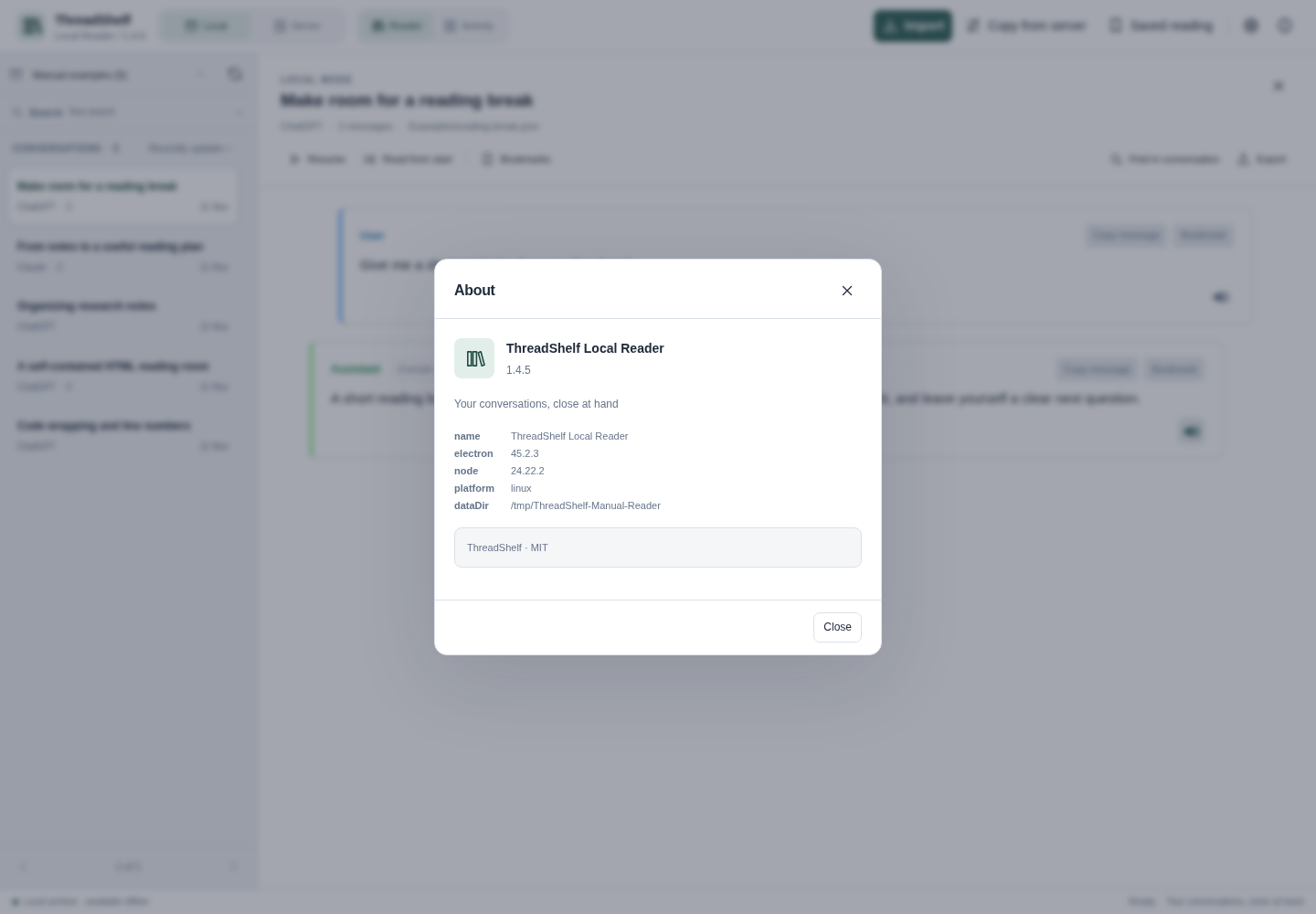
About and version
Use About when preparing a support report. The public application version is 1.4.5; internal storage schema labels can legitimately use different numbers.
The footer lists the inherited rendering adapters and their own source versions; those attribution numbers are independent of Local Reader’s public version at the top.
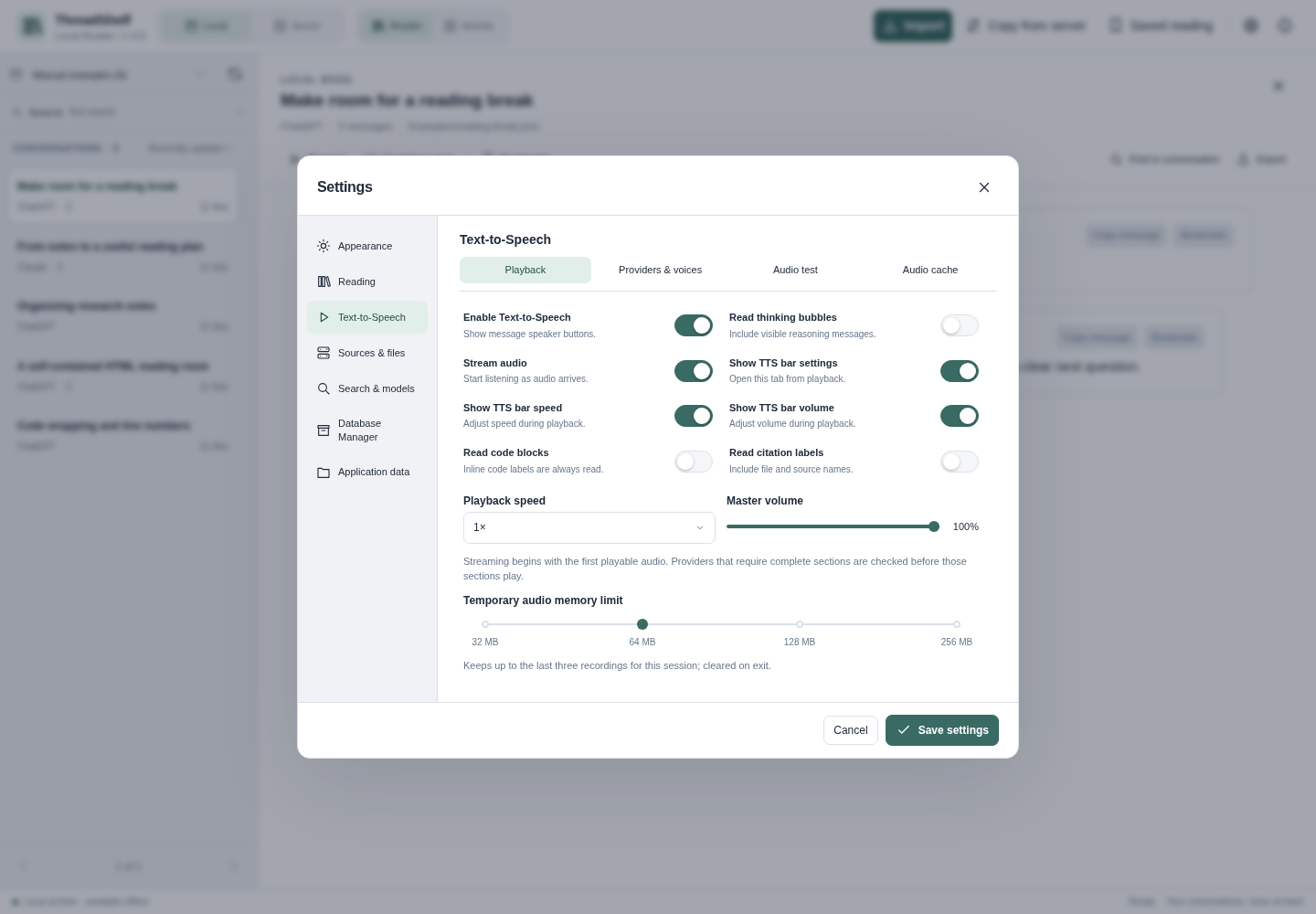
Text-to-Speech playback settings
The Playback section controls speaker buttons, reasoning, code/citation reading, streaming, speed, volume and temporary audio memory. The settings layout keeps each section within its own panel. The speech guide explains the controls and privacy choices.
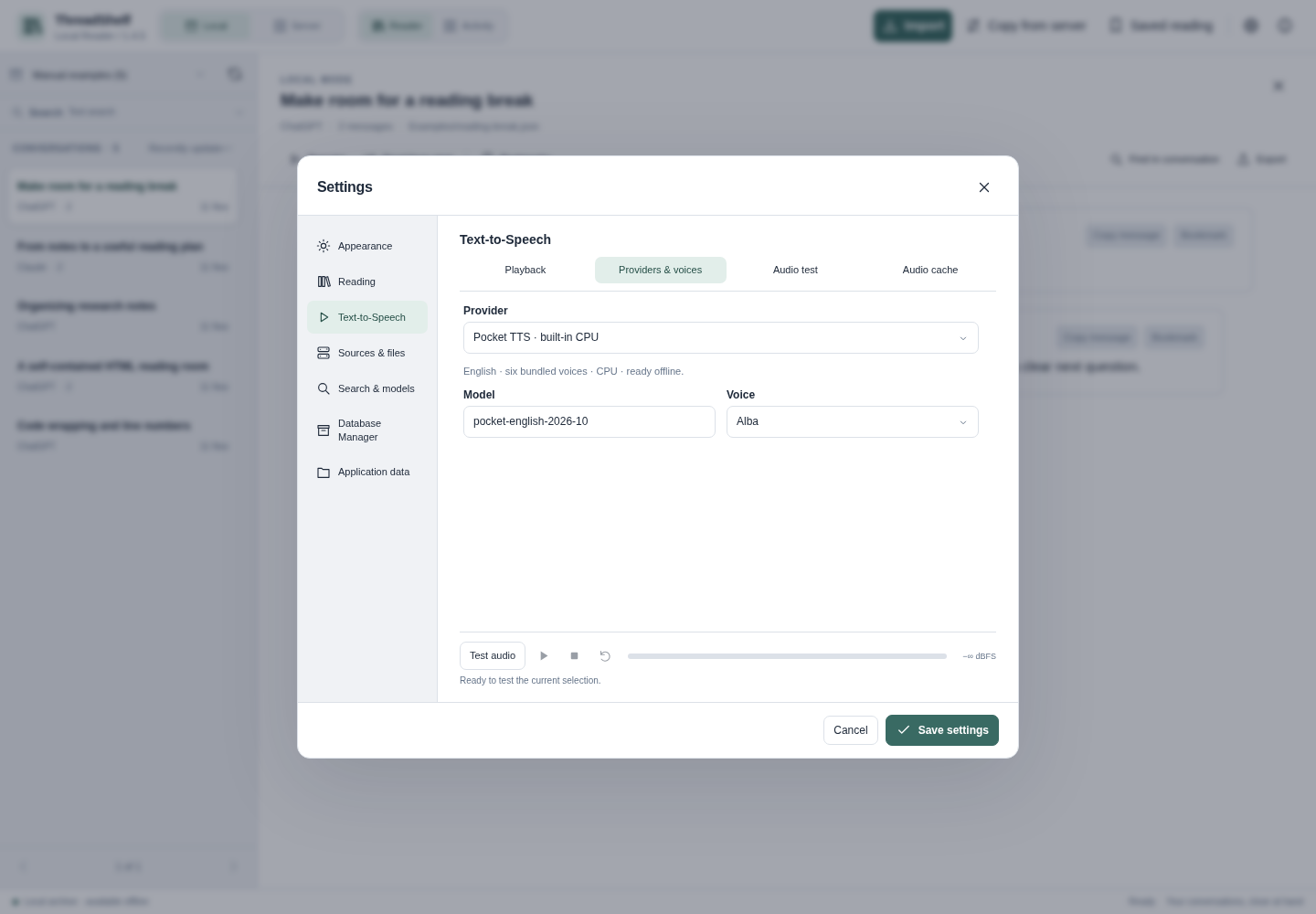
Providers, voices and audio test
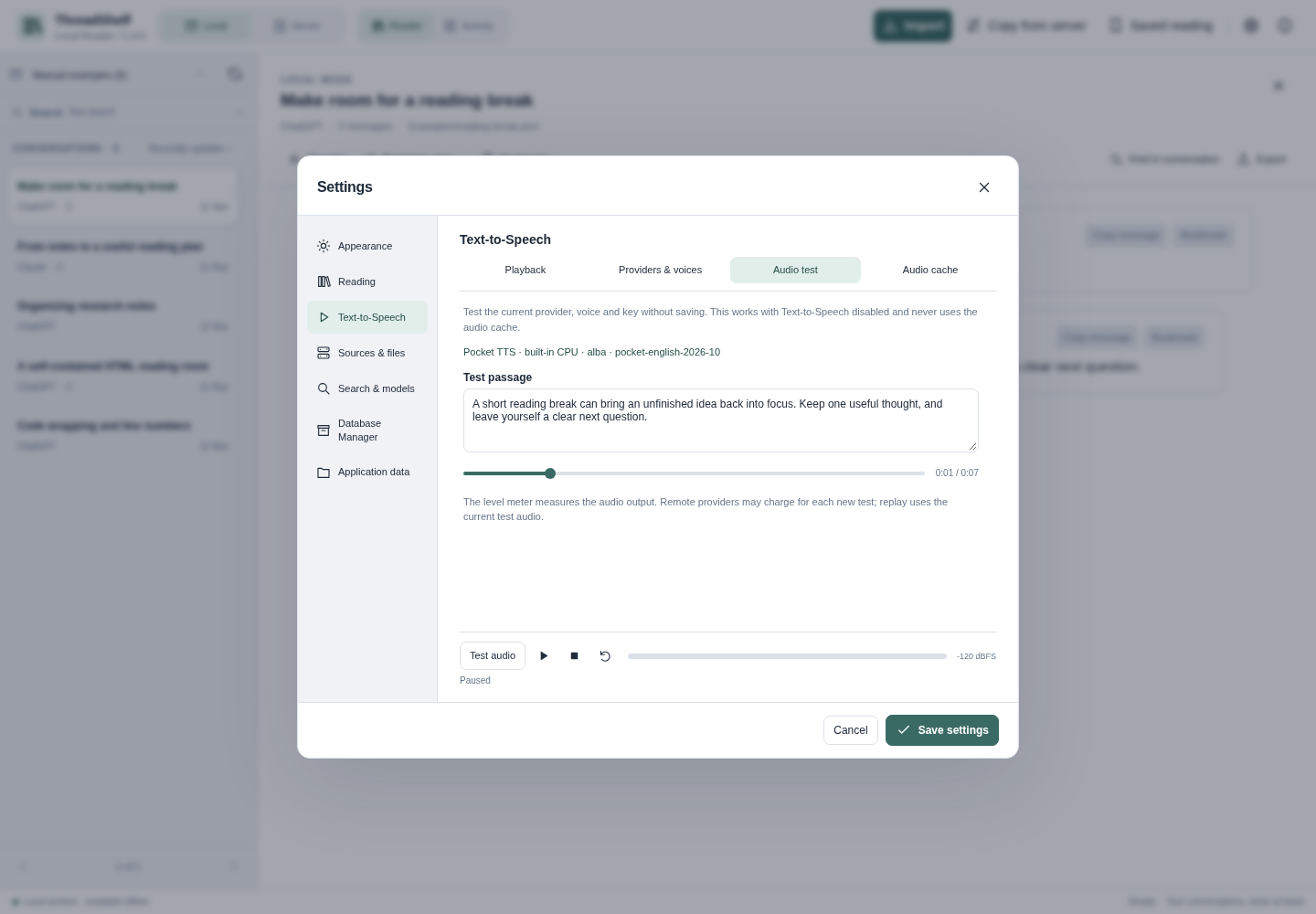
Choose a bundled CPU engine or configure an optional remote service. Audio test uses draft choices without saving them and has its own player and output-level meter. This capture uses the bundled Pocket TTS engine and Alba voice to generate the test passage locally.
Message playback bar
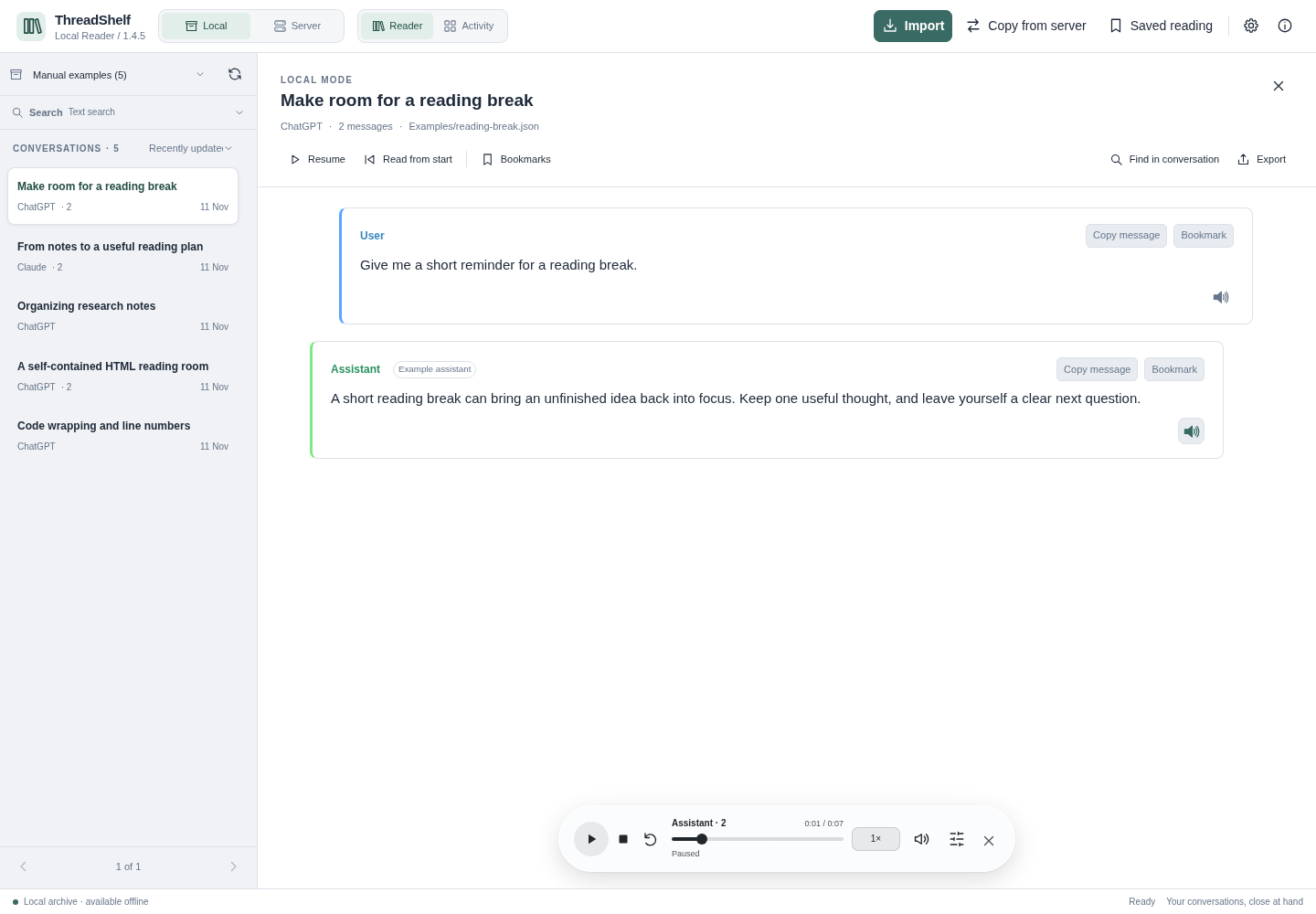
Speaker buttons open playback for one message. The bar offers transport controls and progress, with optional speed, volume and settings controls. The capture shows actual locally generated speech for a synthetic demonstration passage, using the bundled Pocket TTS engine and Alba voice. Playback is paused; no remote speech provider is called. A still image does not establish voice quality.
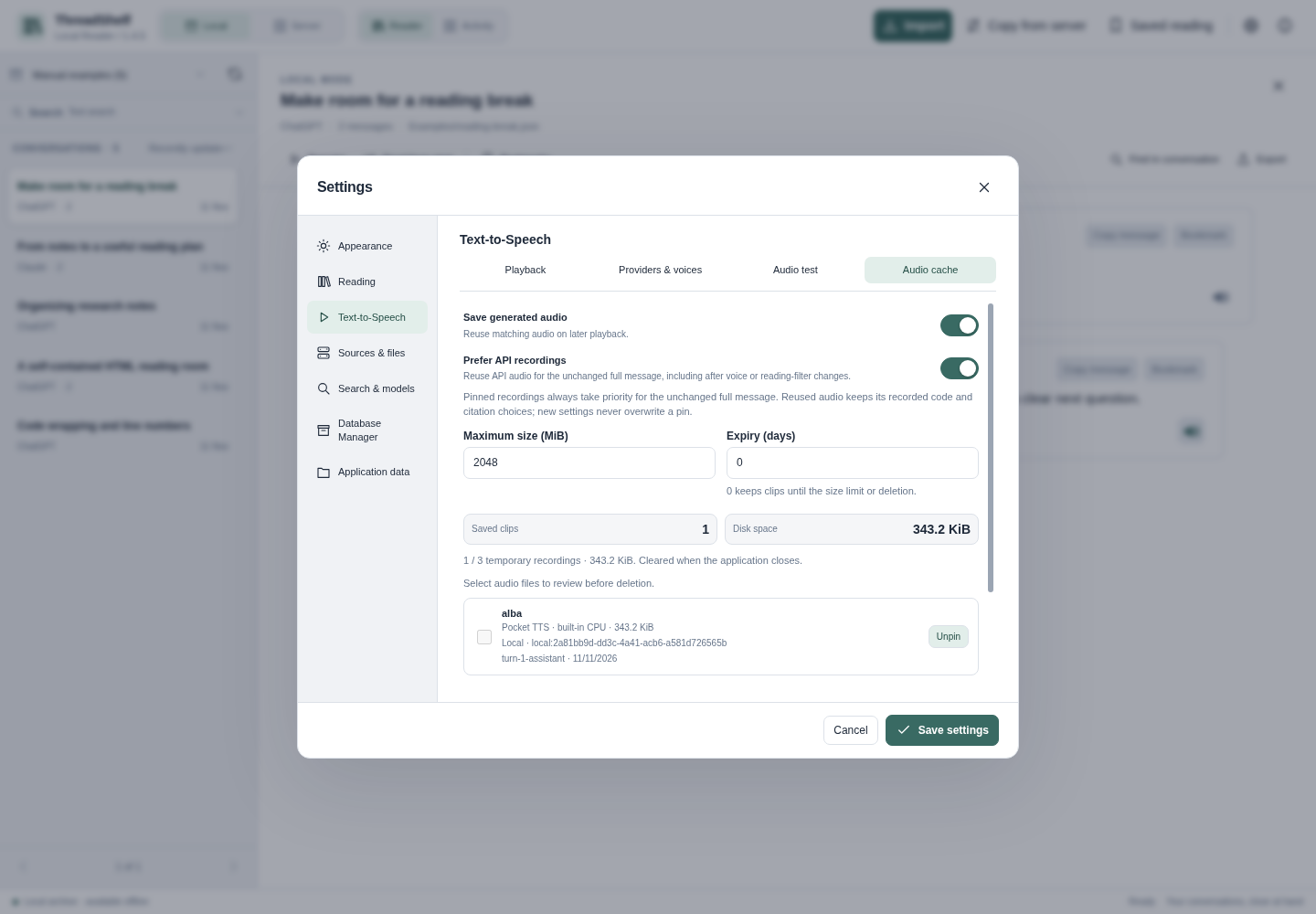
Audio cache
The cache example contains an actual locally generated recording, pinned through the interface. Audio cache is separate from Reader's image resource cache and conversation archive. Pinned recordings take priority for an unchanged full message and are never overwritten by a voice change. Prefer API recordings is on by default. Review cleanup scopes before deleting audio; pinned and playing clips are protected.